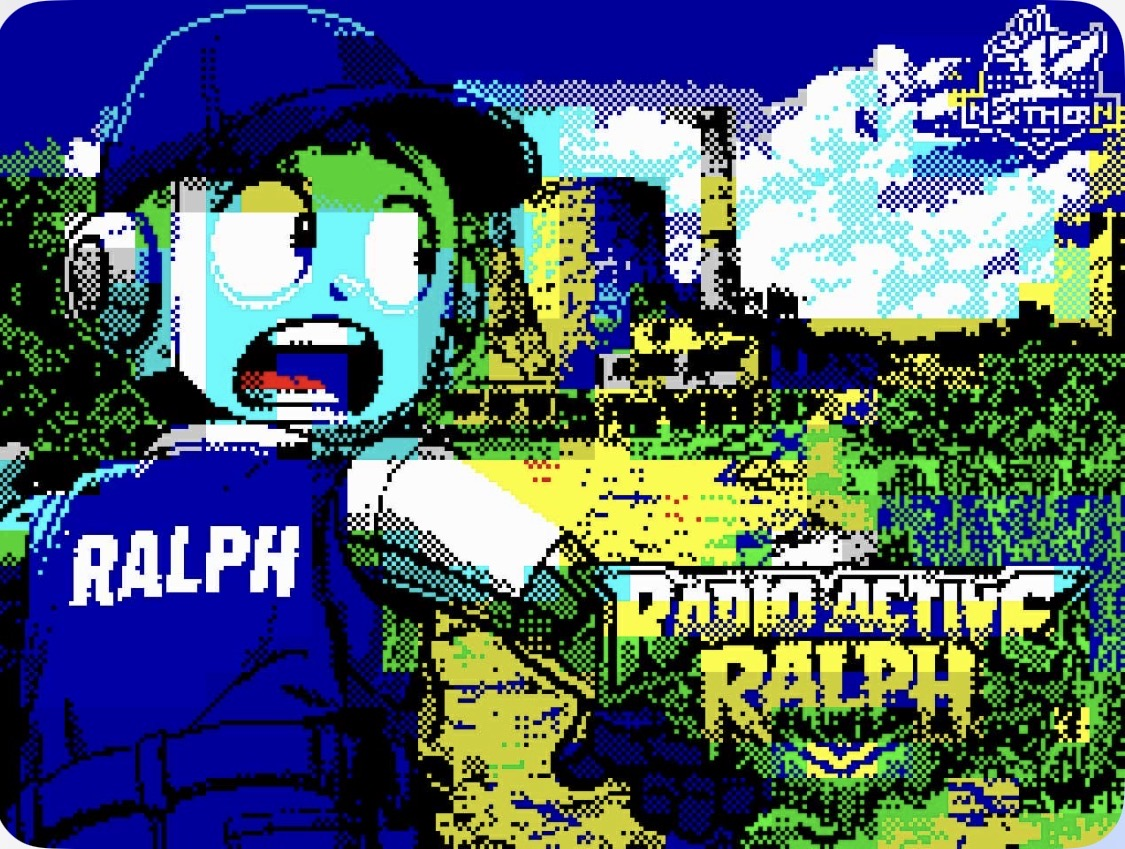
Radioactive Ralph
A downloadable game for Windows, macOS, and Linux
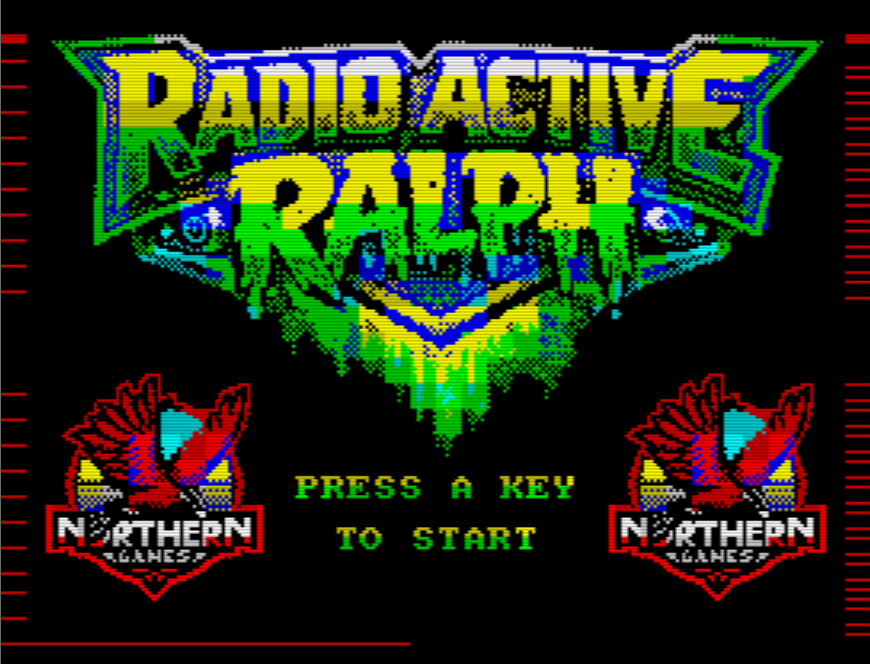
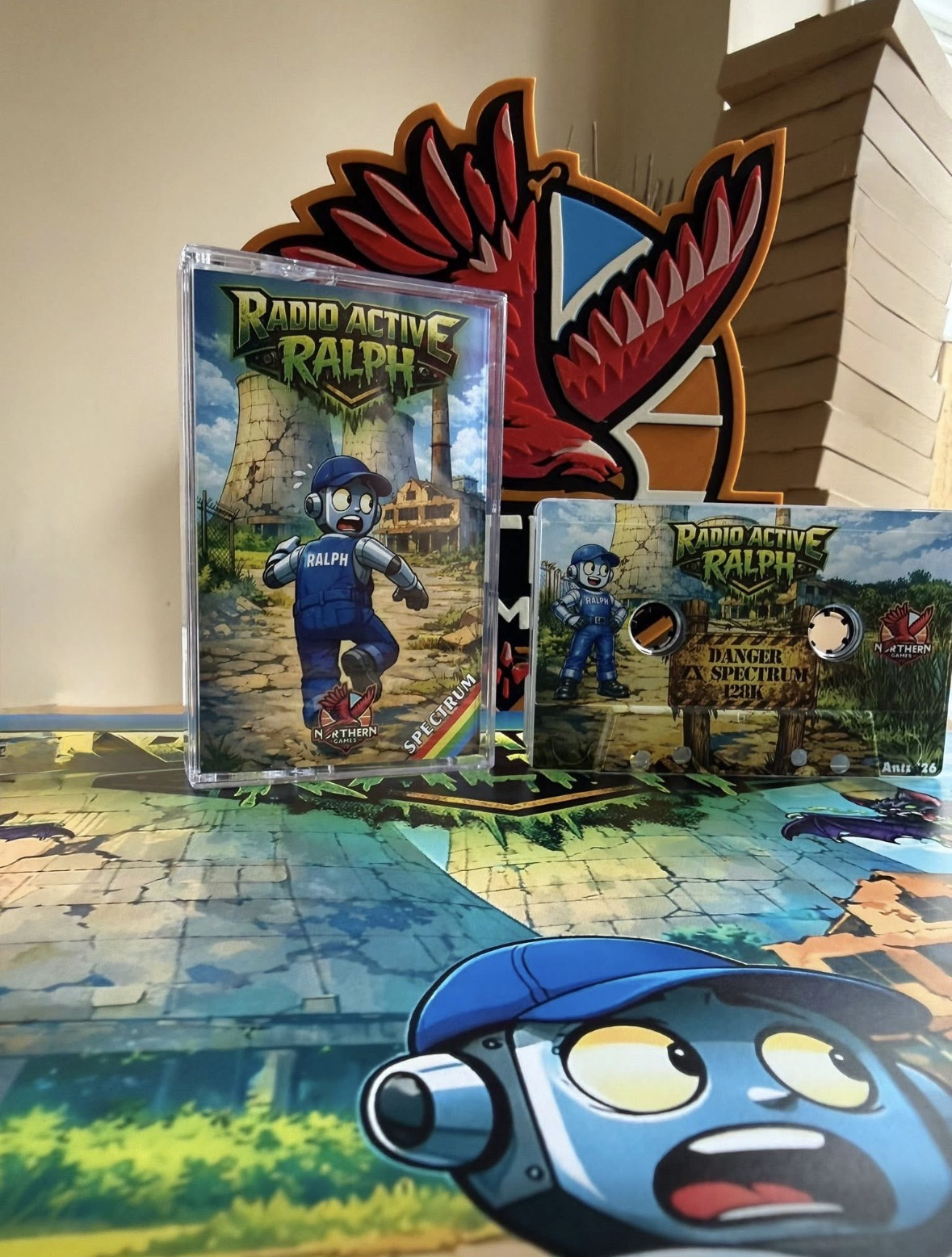
After a very successful 'physical copy' release for the ZX Spectrum you can now download 'Radioactive Ralph' from here.
The Scenario
It has been eighteen months since the reactor at the power station blew up and contaminated everything within a twenty five mile radius of the station. During this time the staff who survived the blast have been preparing and training you to control a robot named 'Ralph' who will enter the station in order to collect all the radioactive plates that have been scattered by the blast.
The Game
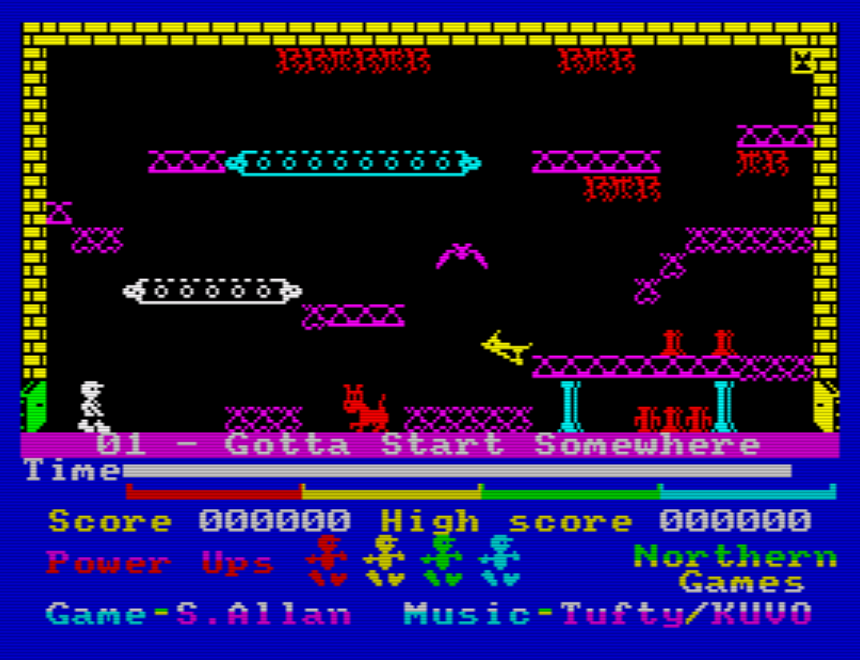
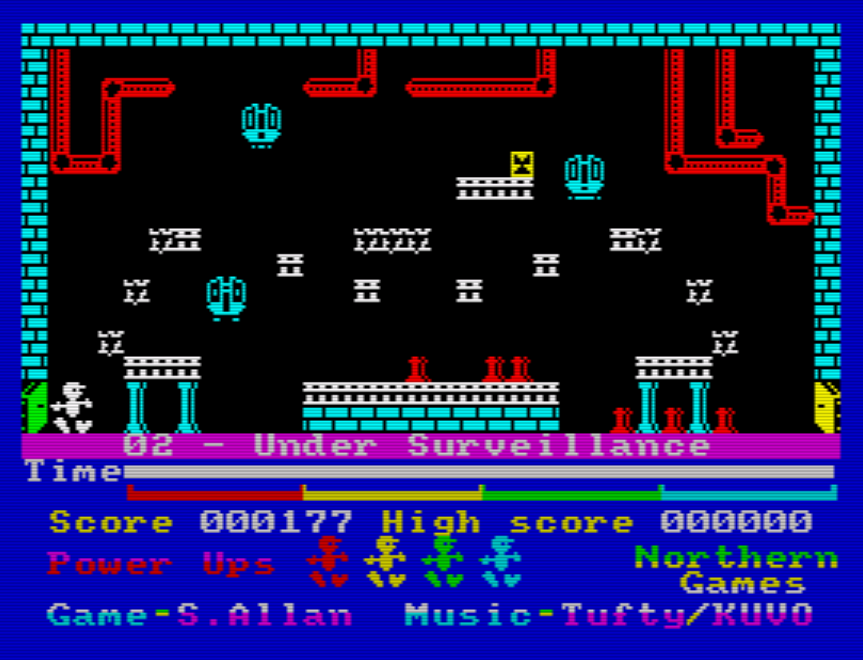
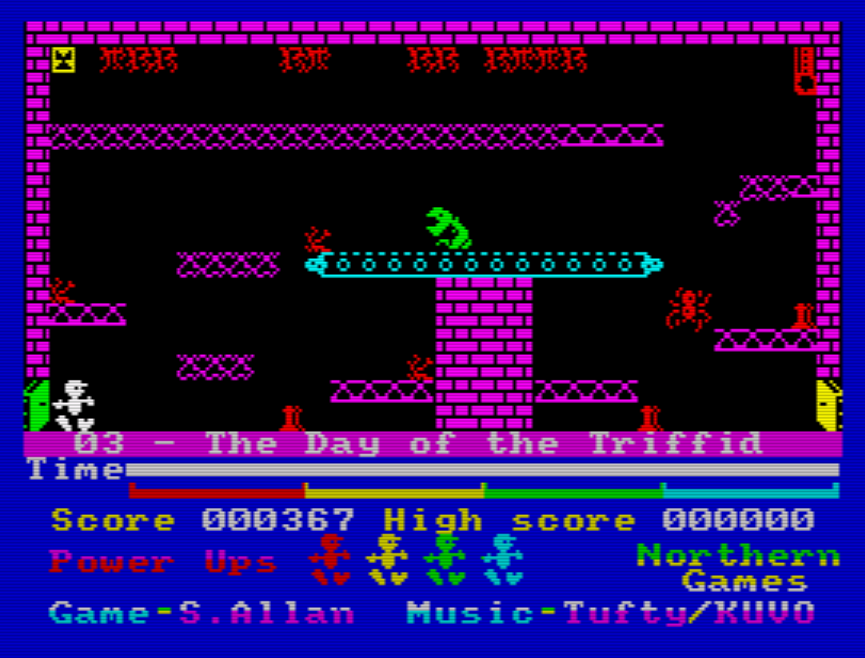
Navigate Ralph through each of the rooms to collect the plates, one plate per room of the power station. You will enter each room via a green door, collect the plate and exit via the yellow door, but do not take too long as time is of the essence.
Each room is filled with NASTIES and TOXINS that will reboot your systems should you go too near or come into contact with any of them so be careful.
Controls
Original game controls:
Q - to move LEFT
W - to move RIGHT
Space - to JUMP
P - to PAUSE the game
M - on the START SCREEN of the 48K game you can toggle the 'in game' music ON and OFF
0 (zero) - on the START SCREEN you can select Interface 2 joystick control. This option also allows you to use '6' for LEFT, '7' for RIGHT and '0' (zero) to JUMP.
Alternative game controls:
O - to move LEFT
P - to move RIGHT
Space - to JUMP
H - to PAUSE the game
M - on the START SCREEN of the 48K game you can toggle the 'in game' music ON and OFF
0 (zero) - on the START SCREEN you can select Interface 2 joystick control. This option also allows you to use '6' for LEFT, '7' for RIGHT and '0' (zero) to JUMP.
Credits and Thanks
This game has been a pleasure to produce and it is worth mentioning all those involved in creating it:
Platform Game Design by Simon Allan of Simon Allan Software - https://simonallan.itch.io/
Amazing music and sound effects by Rich ' Tufty' Hollins of DF Design - https://df-design.itch.io/
Sublime 128K AY in game music by KUVO - https://zxart.ee/eng/authors/k/kuvo/
Brilliant pixel art loading screen by Jarrod Bentley - https://zxart.ee/eng/authors/j/jarrod-bentley/
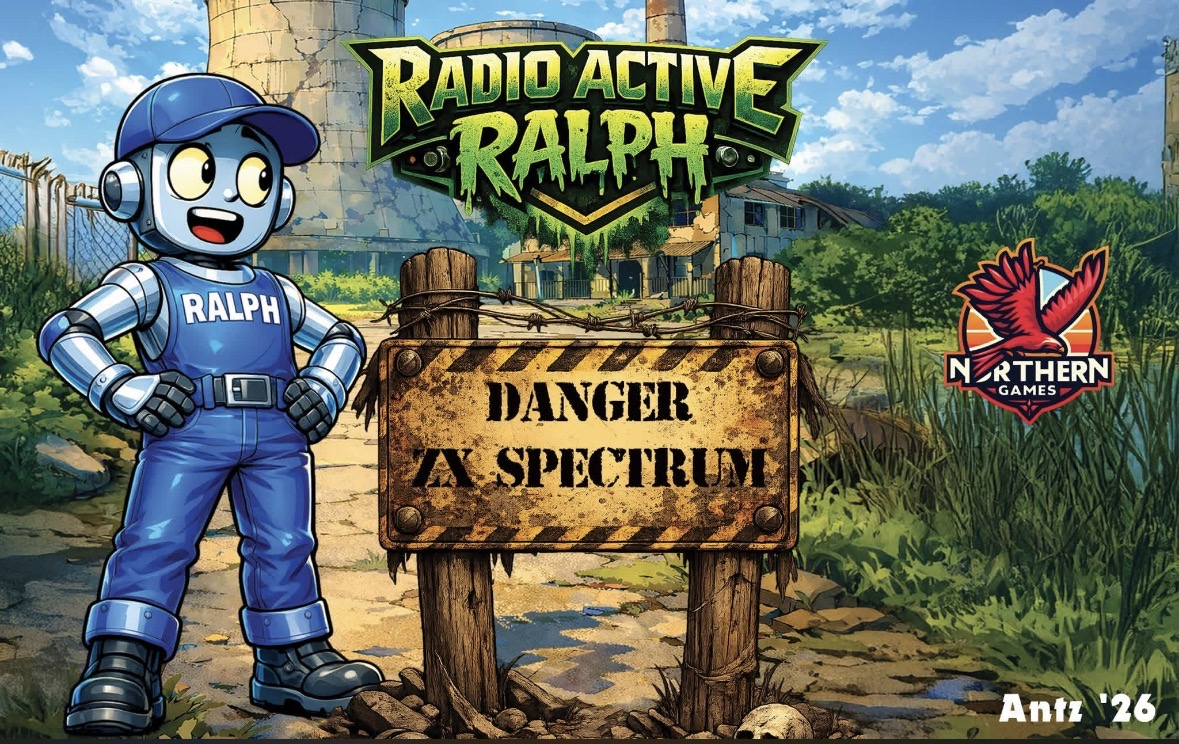
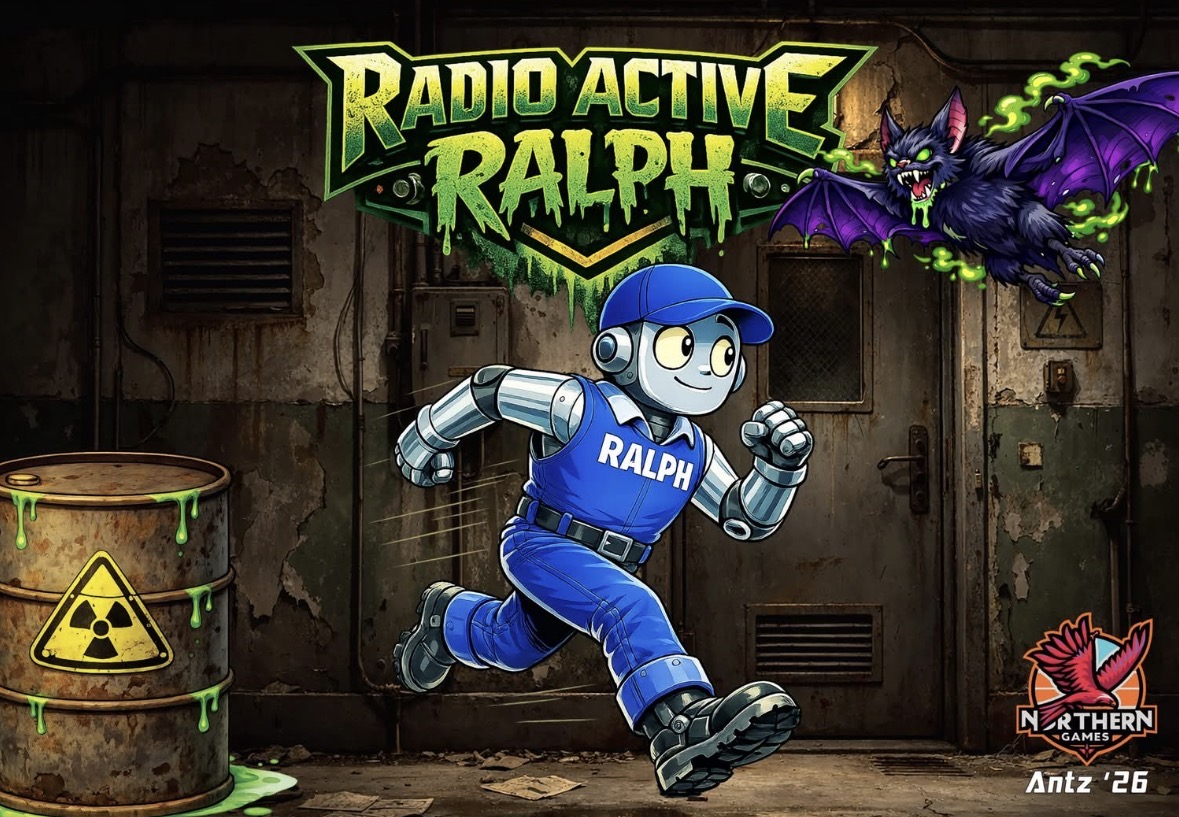
Superb inlay design which includes elements of AI by Anthony Scarfe of Northern Games who made the physical game release possible - https://www.facebook.com/groups/3904215426390845/
A special thanks to Andrew and Darren of 21st Century Software for inspiration to the name for the robot 'Ralph' from their 1985 game titled 'Ralph on Alpha 2' - https://zxinfo.dk/details/0016728
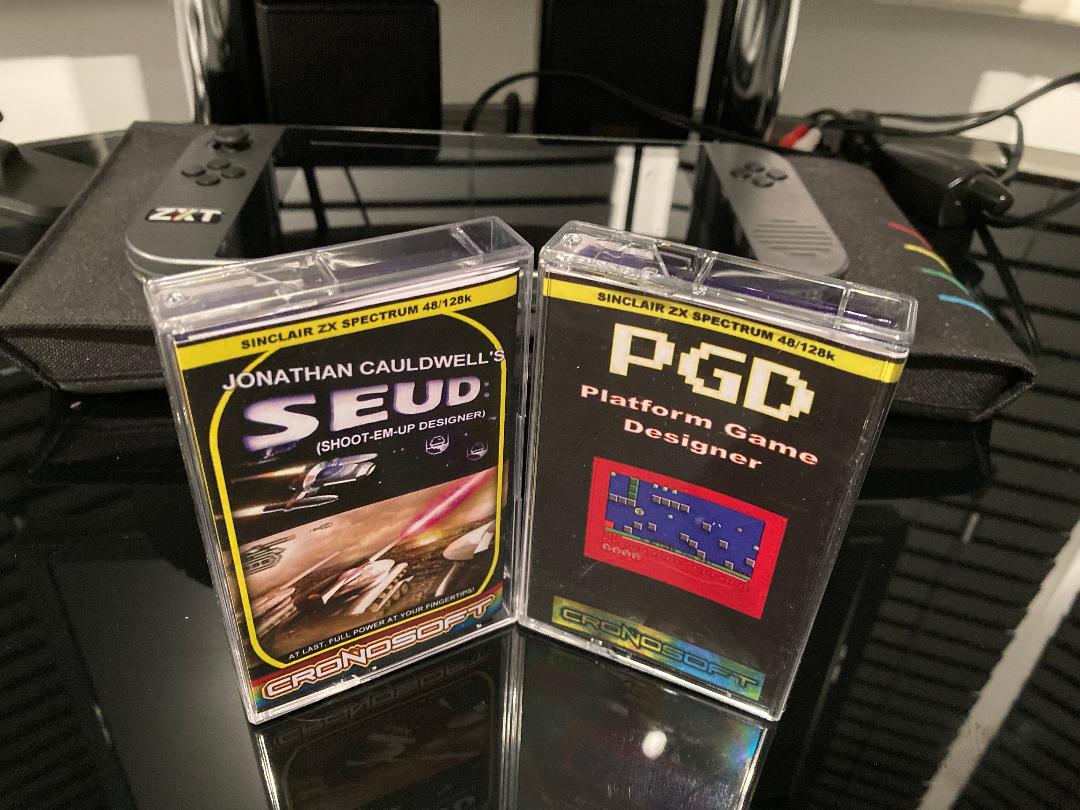
Finally, this game wouldn't have been created if it wasn't for 'Platform Game Designer' a utility program written by Jonathan Cauldwell published by Cronosoft - see picture.
Game Review
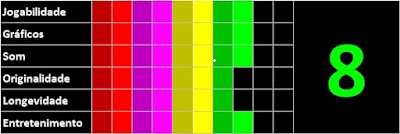
You can read a full game review posted on the day of release 9th May 2026 on the Planeta Sinclair blogspot. The game acheived a very credible 8 out of 10 - see picture.
https://planetasinclair.blogspot.com/2026/05/radioactive-ralph.html?m=1
From the Game Designer
I hope you all enjoy Radioactive Ralph on whatever machine or platform you decide to play on. Thanks for downloading and look out for my next arcade game which will be similar to 'Atic Atac' which hasn't too many clones out there at the moment.
Regards Simon
Purchase
In order to download this game you must purchase it at or above the minimum price of $2 USD. You will get access to the following files:
Development log
Comments
Log in with itch.io to leave a comment.
Extra files added to allow you to control Ralph with 'O' and 'P' instead of 'Q' and 'W'. Using 'H' to hold the game instead of 'P' to pause the game. Enjoy.
And now, a full walkthrough! :)
Brilliant WD 👏👏👏 Please check link to game.
If you go too near the radioactive material this requires a reboot as well 😉
You're very welcome. I've also just corrected the download link, too :)
Please also comment on the video, as that helps the algorithm :)
Neat!!
👍
the keys selected are a big letdow
The keys are the ones I always used for Manic Miner and JSW. Which ones would you've chosen ?
Hi, if you can also answer my comment, that would be appreciated :)
It was either Q&W or O&P. I always preferred Q&W with Space to jump when playing Platform Games hence the selection. I can see that you’re enjoying the game. Great video and thanks for your support.
(a) Why not allow both, and (b) how many levels are there, please? That was my other question.
I’ll try and add extra control options on my next game. Let’s keep the number of levels ‘under wraps’ for now. I want everyone to ‘wonder’ what the next level is going to be like as they play. There are hints on the screen descriptions as you progress into the game. Happy platforming 👍
Files added to use O & P instead of Q and W. Thanks for your time and valuable feedback.
Nice game!
Thank you 👍
Hi I’ve linked your short video to the Project page this morning. Let me know if this is a problem. Thanks
Great, I'm really pleased!
Superb stuff, and first, a quick video of the music and how many times it took me to finally get past the first level, but I always prefer to know how many levels there are in a game (I'm guessing 20) and I wish there were redefineable keys. Even as a default, O and P are left/right, surely!
Thanks 👍